Finding the right crm tools open source can transform how businesses manage customer relationships, streamline operations, and support growth. With the rising demand for adaptable and cost-effective software, open source CRM options are increasingly popular across industries.
Open source CRM tools offer transparency and customization opportunities that proprietary software often lacks, allowing organizations to tailor solutions to their unique workflows. This article compares the top five open source CRM tools for 2026, highlighting features, usability, and ideal use cases.
Readers will gain practical insights to choose open source CRM software that fits their business goals, technical skills, and budgets. Exploring these options helps businesses make informed decisions to strengthen customer management.
What Are Open Source CRM Tools?
Understanding what defines open source CRM tools is key to recognizing their benefits and limitations. These tools make their source code available, enabling users to modify and redistribute the software according to their needs.
Definition and Characteristics
Open source CRM platforms provide accessible source code, promoting customization and community collaboration. Unlike proprietary alternatives, they encourage ongoing shared development. Key traits include:
- Access to source code for customization
- Community-driven development and support
- Often free to use, with optional paid support
- Flexible integration possibilities with other systems
Benefits of Using Open Source CRM
Businesses using open source CRM can experience several advantages:
- Cost-effective: No licensing fees reduce upfront and ongoing expenses.
- Customizable: Adapt features and workflows without vendor limits.
- Community support: Access collective troubleshooting, updates, and innovation.
- Data control: Manage data storage and security internally.
Common Challenges to Consider
Despite benefits, open source CRMs may require technical skills for installation and advanced customization. Some projects have smaller communities, limiting plugins or integrations. Maintenance and updates rely on active user involvement or dedicated staff. Being aware of these factors helps ensure successful adoption.
With this foundation, let’s explore how to select the best tool for your organization.
How to Choose the Best Open Source CRM Tool for Your Business
Selecting a suitable open source CRM means evaluating various factors to align with your goals and capabilities.
Key Selection Criteria
Consider these when choosing a CRM:
- Scalability: Can the system grow and adapt as your business evolves?
- Ease of use: Simple installation and user-friendly design encourage adoption.
- Integration: Compatibility with existing tools such as email, accounting, or marketing software.
- Community support: Active forums and updates contribute to longevity.
- Security: Features that protect sensitive customer data.
- Customization: Ability to tailor workflows, fields, and reports.
Budget and Resource Considerations
While open source CRMs typically reduce licensing costs, plan for expenses involving technical staff, customization, training, and maintenance. Early budgeting helps ensure smoother implementation and higher return on investment.
Now, let’s review the top five open source CRM tools available in 2026.
Top 5 Open Source Customer Relationship Management Tools in 2026
| Tool | Key Features | Best Use Case | Pros | Cons |
| SuiteCRM | Sales automation, marketing campaigns, customer support, mobile access | SMBs needing enterprise- grade CRM with strong community support | Highly customizable, large feature set, strong security controls | Steeper learning curve, requires technical expertise for advanced customization |
| Odoo CRM | Integrated business apps, user-friendly, lead scoring, email marketing | Businesses seeking all-in-one ERP + CRM open source solution | Modular design, seamless ERP integration, active development | Some modules require paid upgrades, complex customization |
| EspoCRM | Sales automation, reporting & analytics, workflow automation, REST API | Organizations wanting a lightweight, easily customizable CRM with API integration | Simple UI, flexible customization, good documentation | Smaller community, limited out-of-the-box marketing tools |
| Yetiforce | Workflow automation, project management, document management, multi-language support | Companies seeking feature-rich CRM with project management capabilities | Extensive features, intuitive UI, frequent updates | Setup complexity, resource-intensive |
| CiviCRM | Constituent management, event management, fundraising, and membership tracking | Nonprofits and associations needing donor and member-focused CRM | Specialized nonprofit features, strong CMS integrations | Less suitable for traditional sales CRM, learning curve |
1. SuiteCRM
SuiteCRM is a fully open source platform offering comprehensive sales automation and marketing tools. Its customer support features and mobile access suit SMBs seeking enterprise functionality without high costs.
Key Features: Sales pipeline management, marketing campaigns, support tickets, and a mobile-friendly interface.
Best Use Case: SMBs needing a robust, customizable CRM with an active community backing.
Pros: Highly customizable with broad features, strong security, and extensive community resources.
Cons: Steep learning curve for non-technical users; advanced customization needs IT skills.
2. Odoo CRM
Odoo CRM integrates with a suite of business applications, combining ERP and CRM functions. Its clean design and lead scoring automate sales and marketing.
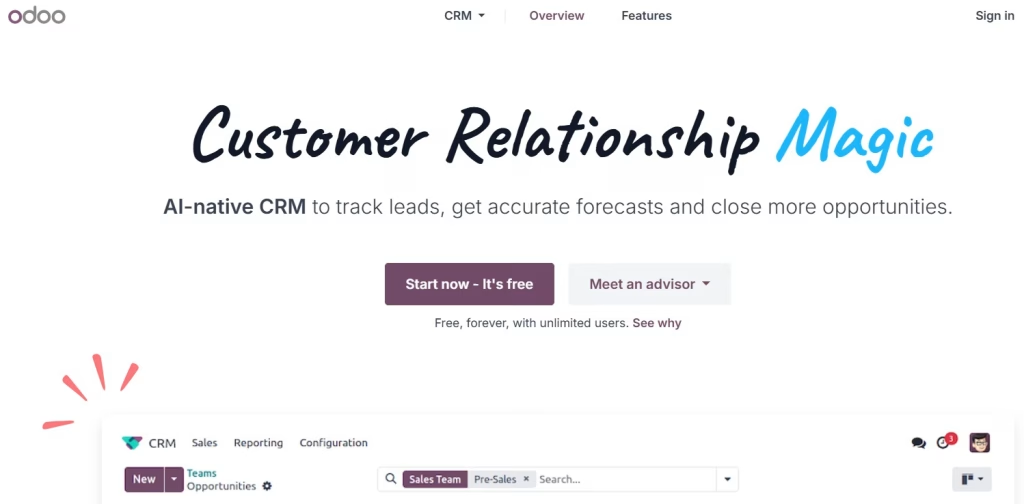
Key Features: Business app integration, user-friendly interface, lead management, and marketing automation.
Best Use Case: Businesses seeking an all-in-one open source ERP and CRM solution.
Pros: Modular design, integrated inventory and accounting, active development community.
Cons: Some modules require payment; customization can be complex at scale.
3. EspoCRM
EspoCRM is lightweight and easy to customize, suited for fast deployments and API-driven integrations.
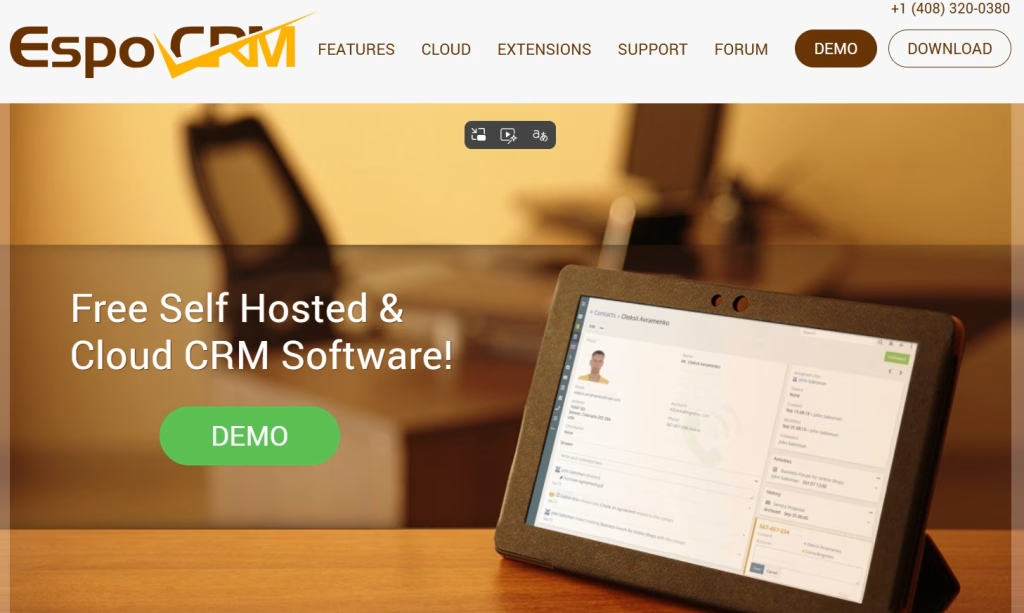
Key Features: Sales automation, analytics, workflow automation, and REST API support.
Best Use Case: Organizations needing a simple, extendable CRM with API flexibility.
Pros: Intuitive UI, flexible customization, solid documentation.
Cons: Smaller community and fewer built-in marketing features.
4. Yetiforce
Yetiforce blends CRM with project and document management, supporting multiple languages and workflow automation. It’s suited for enterprises with complex needs.
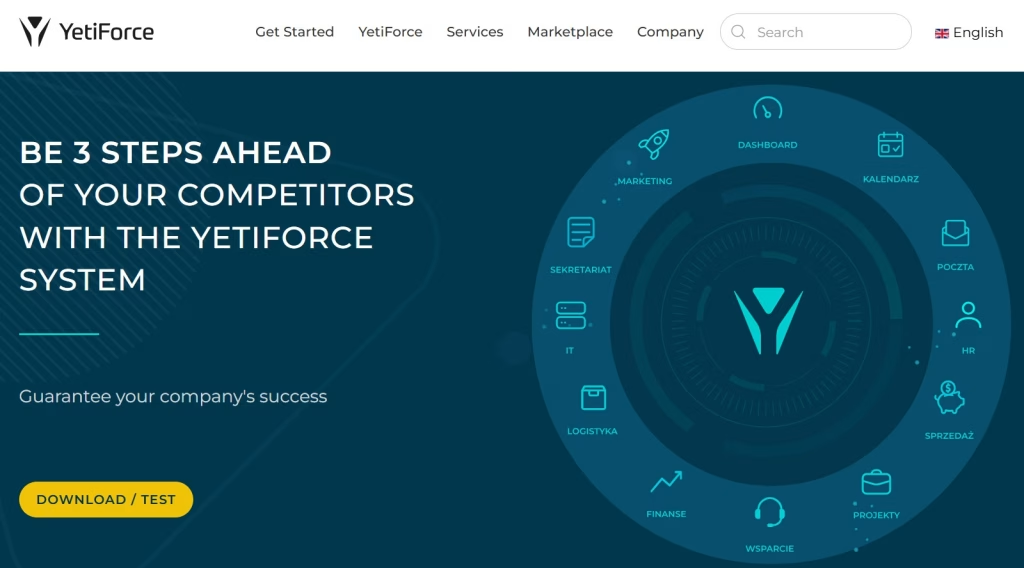
Key Features: Workflow automation, project/document management, multi-language support, customizable dashboards.
Best Use Case: Companies needing feature-rich CRM extending beyond customer management.
Pros: Broad functionality, user-friendly interface, frequent updates.
Cons: Complex setup, resource-intensive.
5. CiviCRM
CiviCRM targets nonprofits and associations, focusing on constituent management, event planning, and fundraising. Its compatibility with popular CMS platforms supports community-oriented organizations.
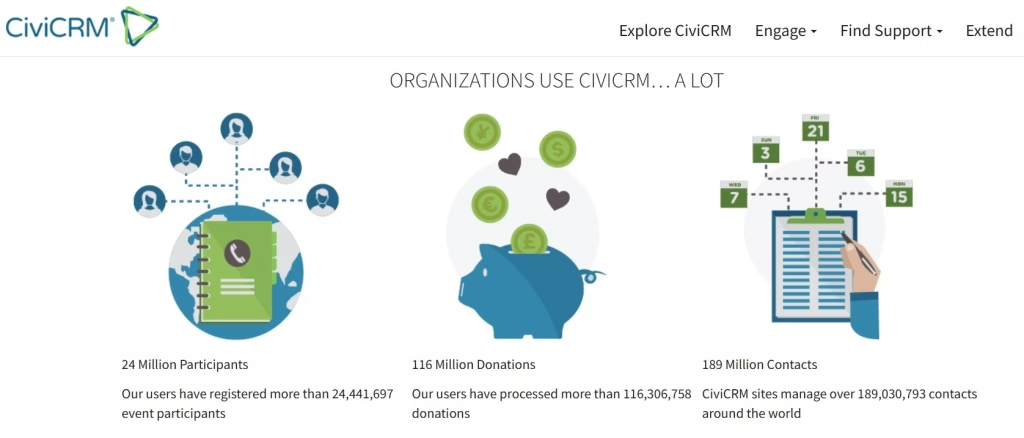
Key Features: Constituent management, event and membership tracking, fundraising tools, donor management.
Best Use Case: Nonprofits and advocacy groups managing donors and members.
Pros: Specialized nonprofit features, strong integration with WordPress, Drupal.
Cons: Less suited for sales-driven businesses, requires training.
Integrating and Supporting Your Open Source CRM
Effective integration and ongoing support are essential for maximizing open source CRM benefits while maintaining security and performance.
Customization Best Practices
Document business processes before customizing workflows. Use version control to manage code safely and test changes in staging environments. Modular customizations help maintain update compatibility.
Maintaining Security and Updates
Keep CRM software updated to address vulnerabilities. Enforce strong authentication and encrypt data in transit and at rest. Regularly audit access and limit admin rights to trusted users.
Utilizing Community and Vendor Support
Participate in user forums and official communities for assistance. Consider professional support plans when available to ensure timely help and smooth operation.
Strong integration and support improve CRM longevity and reduce risks common to open source software.
Conclusion
Each of the top five open source CRM tools serves different business needs, from SuiteCRM’s enterprise features to CiviCRM’s nonprofit focus. Choosing the right CRM requires evaluating workflows, technical resources, and growth plans.
Exploring demos, engaging communities, and prioritizing relevant features will help find the best open source CRM for your organization.
FAQs
1. What are the main advantages of open source CRM tools over proprietary ones?
They offer cost savings, customization flexibility, community support, and greater control over data security compared to proprietary options.
2. Can open source CRM software be customized without programming skills?
Basic customization like adjusting fields or layouts often requires no coding, but advanced modifications usually need technical expertise.
3. Are open source CRM tools secure for handling customer data?
When maintained with updates, strong access controls, and encryption, they can be as secure as commercial software.
4. How do I migrate data from a proprietary CRM to an open source CRM?
Most open source CRMs support data import via CSV or APIs; planning with backups and cleansing ensures data accuracy.
5. Is there professional support available for open source CRM tools?
Yes, many offer paid support services and certified partners to assist with implementation and troubleshooting.